
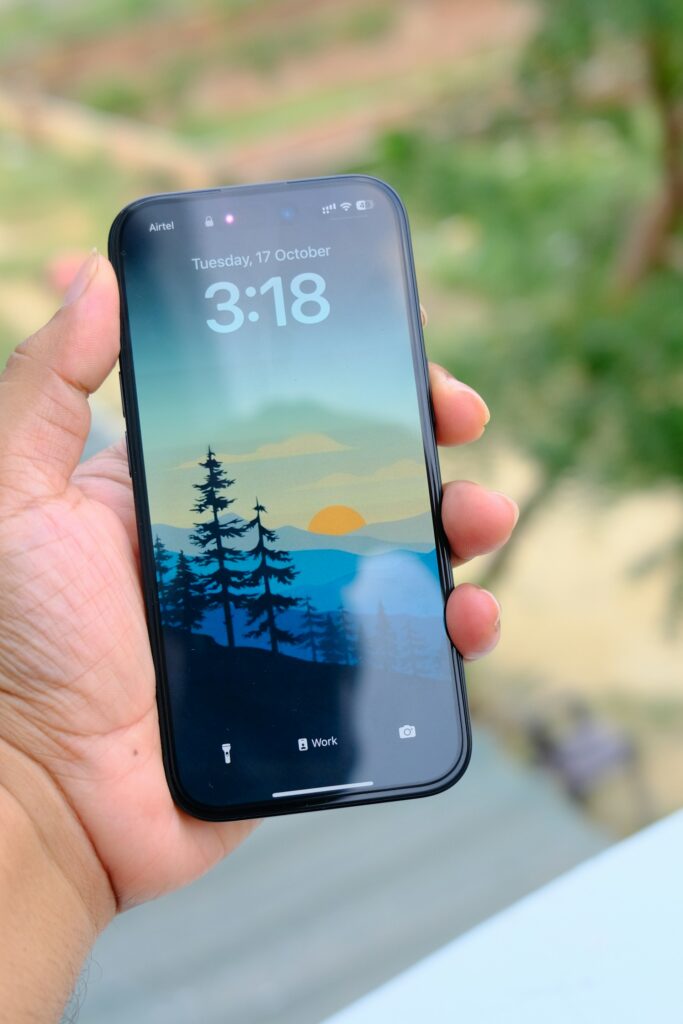
Absolutely! Here are some fascinating and lesser-known features of the iPhone 15 that might surprise you:
🔍 Hidden Features & Cool Tricks
1. Automatic Portrait Mode for People, Pets, and Objects
You don’t need to manually switch to Portrait mode anymore. The iPhone 15 automatically captures depth information when it detects a person, dog, or cat in the frame. Later, you can adjust the portrait effect in the Photos app. For objects, simply tap on them in the viewfinder to enable this feature. Macworld
2. Battery Health Insights
Navigate to Settings > General > About, and you’ll find detailed battery information, including the manufacture date, first use date, and the number of charge cycles. This is especially useful for assessing battery health over time. Macworld
3. Create Stickers from Any Image
Transform any photo into a sticker for use in iMessage and other apps. Simply press and hold on a subject in a photo and select “Add Sticker.” You can even create animated stickers from Live Photos. Sportskeeda
4. Use Your iPhone as a Power Bank
With the USB-C port, the iPhone 15 can charge other devices like AirPods, Apple Watch, or even another iPhone. Just connect the device using a USB-C cable, and your iPhone will share its battery power. Sportskeeda
5. Trackpad Mode on Keyboard
Hold down the spacebar on the keyboard to turn it into a trackpad, allowing precise cursor movement. This makes editing text much more manageable. Sportskeeda
🎥 Camera & Media Capabilities
6. Shoot 48MP Photos in HEIF or ProRAW (Pro Models)
The iPhone 15 Pro allows you to capture high-resolution 48MP photos in either HEIF or ProRAW formats. HEIF offers high-quality images with smaller file sizes, while ProRAW is ideal for professional editing. Macworld+1SlashGear+1
7. Customizable Focal Lengths (Pro Models)
Switch between 24mm, 28mm, and 35mm focal lengths on the main camera. You can set your preferred default focal length in Settings > Camera > Main Camera. Macworld+1SlashGear+1
8. Direct ProRes Video Recording to External Drives (Pro Models)
Record ProRes HDR videos directly to an external hard drive connected via USB-C. This is perfect for videographers who need ample storage for high-quality footage. Sportskeeda
⚡ Connectivity & Smart Features
9. Dynamic Island Across All Models
Previously exclusive to Pro models, the Dynamic Island is now available on all iPhone 15 variants. It provides real-time updates for activities like music playback, timers, and incoming calls. Wikipedia+2Cashify+2XDA Developers+2
10. Roadside Assistance via Satellite
In areas without cellular coverage, the iPhone 15 can connect to satellites to request roadside assistance. This feature is especially beneficial during emergencies in remote locations. XDA Developers
🧠 AI & Smart Tools
11. Apple Intelligence Integration (Pro Models)
The iPhone 15 Pro models incorporate advanced AI features, including:
- Clean Up: Remove unwanted elements from photos with a tap.
- Mail Summaries: Get concise summaries of lengthy emails.
- Genmoji: Create personalized emojis.
- Image Playground: Generate creative images using AI.
- Smart Reply: Receive suggested responses in Messages. The SunNew York Post+1The Sun+1
📱 Design & Hardware Highlights
12. USB-C Port for Enhanced Connectivity
The transition to USB-C allows for faster data transfer, charging, and the ability to connect to a variety of peripherals, including external displays and storage devices.
13. Action Button (Pro Models)
Replacing the traditional mute switch, the customizable Action Button can be set to perform various tasks like launching the camera, activating shortcuts, or toggling silent mode.